5 Ways Zoho Expense Will Transform Your SME's Finances 🚀

Tame 100+ scattered bills, email invoices, and mental notes into 1 powerful, classified dashboard view 📈
For many Small and Medium Enterprises (SMEs) in Malaysia, the end of the month brings a familiar dread 😥. It’s not just the financial reconciliation; it’s the chaotic flood of crumpled receipts 🧾, complex spreadsheets, and the endless back-and-forth of expense claims. This manual process isn't just tedious—it's a significant drain on time ⏳, a source of costly errors, and a major bottleneck.
In an era of digital transformation, managing company spending shouldn't be stuck in the past. This is where dedicated expense management software, specifically Zoho Expense, is becoming a key tool for forward-thinking Malaysian businesses.
This post explores the practical benefits of adopting Zoho Expense, how its mobile app changes the game 📱, and where it fits in the new landscape of LHDN e-invoicing.
🛑 The Daily Problems of Manual Expense Tracking
Before we look at the solution, let's honestly assess the daily frustrations. Relying on spreadsheets and paper receipts creates several major bottlenecks for your team:
-
Productivity Drain: Think of the cumulative hours ⏳. Employees spend time hunting for and collating receipts. Managers have to manually check every claim against memory or policy sheets. The finance team then re-enters all that same data into the accounting system. This is a huge drain on everyone's time.
-
Poor Data Clarity: Manual data entry is prone to mistakes that cloud your financial picture. A simple typo can turn an RM300.00 claim into RM3,000.00, skewing your reports. Duplicate claims can be submitted by accident, and out-of-policy expenses are harder to spot, leading to confusion and inaccurate records.
-
Lack of Visibility: When your expense data is locked away in spreadsheets and email chains, you have no real-time view of your company's spending 🙈. You can't see which department is over-budget or identify spending trends until weeks later, making strategic planning almost impossible.
-
Risk of Lost Records: Relying on paper is a risky data management strategy. Physical receipts fade in the Malaysian heat, get lost in car dashboards, or are misplaced 🧾. When it's time to review spending or verify a purchase, the physical proof is often gone, leaving an unfillable gap in your records.
✨ How Zoho Expense Actually Streamlines Your Workflow?
Zoho Expense automates the entire process, but its true power lies in its practical, real-world application, especially when paired with Zoho Books.
1. Capture Expenses in Seconds (Not Clicks) 📸
This is the feature employees love. Both Zoho Expense and Zoho Books have mature mobile apps designed for speed. There's no need to log in through complex password screens; you can access the expense recording function in just a few taps.
-
For Expenses with a Bill: An employee simply takes a photo of their receipt. The mature, responsive AutoScan feature reads the merchant, date, and amount (yes, in RM) to create a digital entry instantly. ✅
-
For Expenses without a Bill: What about small cash payments like tolls, parking meters, or tips where no receipt is given? The mobile app allows you to instantly record a manual spending entry. You can just enter the amount, select the category (e.g., 'Tolls'), and save it. No bill needed!
2. The 'Scan Now, Refine Later' Hybrid Workflow 📱➡️💻
Here’s a common Malaysian scenario: you pay for a meal using your Touch 'n Go eWallet.
-
On-the-Go (Mobile): You immediately screenshot the TnG payment confirmation and upload it to the Zoho Expense mobile app.
-
Back at the Office (Desktop): Later, you retrieve the proper tax invoice from the shop. You can then log into the desktop version, attach the proper invoice, add more accurate details, and classify it to the correct chart of accounts. This hybrid workflow ensures nothing is forgotten.
3. The 'Buffer Vault': Protecting Your Accounts 🛡️
A common fear for accountants is "polluting" the general ledger. Zoho Expense acts as a buffer vault. Employees submit all their miscellaneous expenses, which are compiled into a single, clean report 📄. A manager reviews and approves the report—not the individual scraps. Only after this approval is the consolidated entry posted to your accounts.
4. Integration, Budgeting, and Policy Control
When linked, Zoho Expense and Zoho Books work together to track spending against pre-set budgets, giving you real-time control. You can also build your company’s spending policies directly into the system. If a claim violates a rule (e.g., exceeds the meal allowance), it's automatically flagged 🚩 for the approver.
📊 A Note on LHDN e-Invoicing and Business Size
With LHDN's e-invoicing mandate rolling out, it's crucial to know where your software stands.
Currently, Zoho Books does not offer direct LHDN e-invoice integration ❌. This can be achieved, but it requires a third-party software connector to bridge the gap.
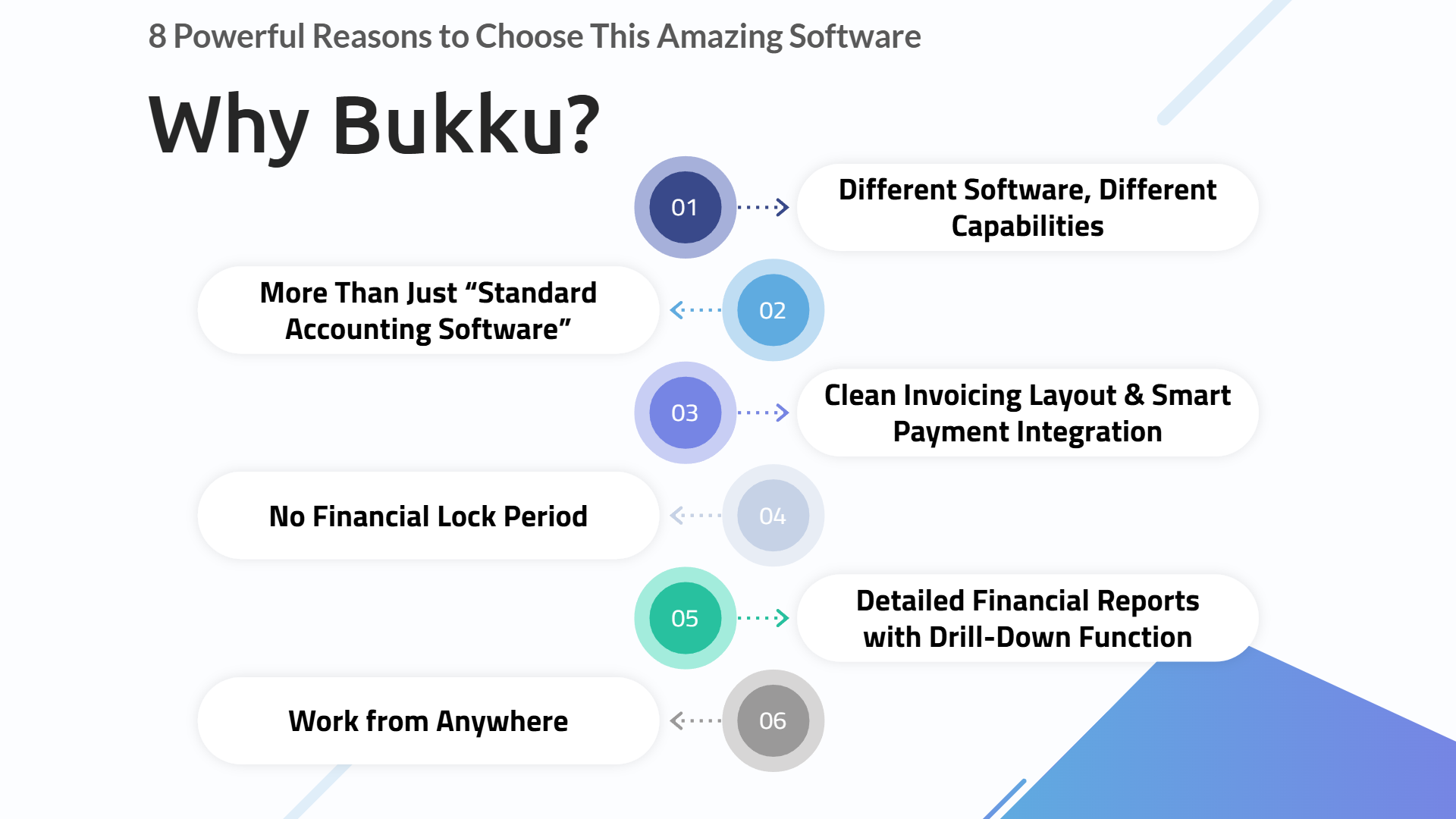
This is where a competitor like Bukku often gains attention, as it is e-Invoice ready ✅ and conveniently includes Delivery Order (DO) and Stock functions in a single application.
So, where does Zoho fit?
-
For the Micro-SME & Personal User: For businesses with an annual turnover under RM500,000 (or for personal use), the Zoho Expense/Books combo is excellent. The automation value for claims often outweighs the e-invoicing gap for this segment.
-
For the Scaling Business: Zoho's ultimate power is its comprehensive ecosystem 🌐. While Bukku bundles stock, Zoho offers separate, powerful modules like Zoho Inventory, Zoho CRM, and Zoho People (HR). For an SME that needs a unified platform for sales, finance, and HR, Zoho is a long-term strategic choice.
📊 Zoho vs. Bukku: A Quick Comparison for Malaysian SMEs
| Feature | Zoho (Expense / Books) | Bukku |
| LHDN e-Invoicing | 🇲🇾 Not directly integrated. Requires a third-party software connector to be compliant. | ✅ e-Invoice Ready. Offers direct integration with LHDN's system. |
| Stock & Delivery Orders | Available as a separate module (Zoho Inventory) that integrates with Zoho Books. | bundled within the single application. |
| Business Ecosystem | 🌐 Vast Ecosystem. Part of a massive suite including CRM, HR (Zoho People), Projects, and more. | 📦 Accounting-Focused. Primarily an accounting application (though it bundles stock/DO). |
| Best-Fit User | Micro-SMEs (< RM500k turnover), personal users, or larger businesses that need a full CRM/HR ecosystem and can manage the e-invoicing connector. | Businesses of any size (especially > RM500k turnover) who need an all-in-one, e-invoice-ready accounting and inventory system today. |
| Implementation | Can be more complex and costly if implementing and maintaining multiple apps (e.g., Books + Inventory + CRM). | Generally simpler and faster to implement for its core accounting and inventory functions. |
Conclusion: Focus on Growth, Not Receipts 📈
The move to an automated platform like Zoho Expense is not just an IT upgrade; it’s a business decision. It frees your team from low-value administrative work and provides clear, real-time control over your cash flow.
Whilst the e-invoicing landscape requires careful consideration, Zoho's powerful mobile apps, smart buffer system, and unmatched ecosystem make it a formidable tool for Malaysian businesses ready to digitise their finances and focus on growth.