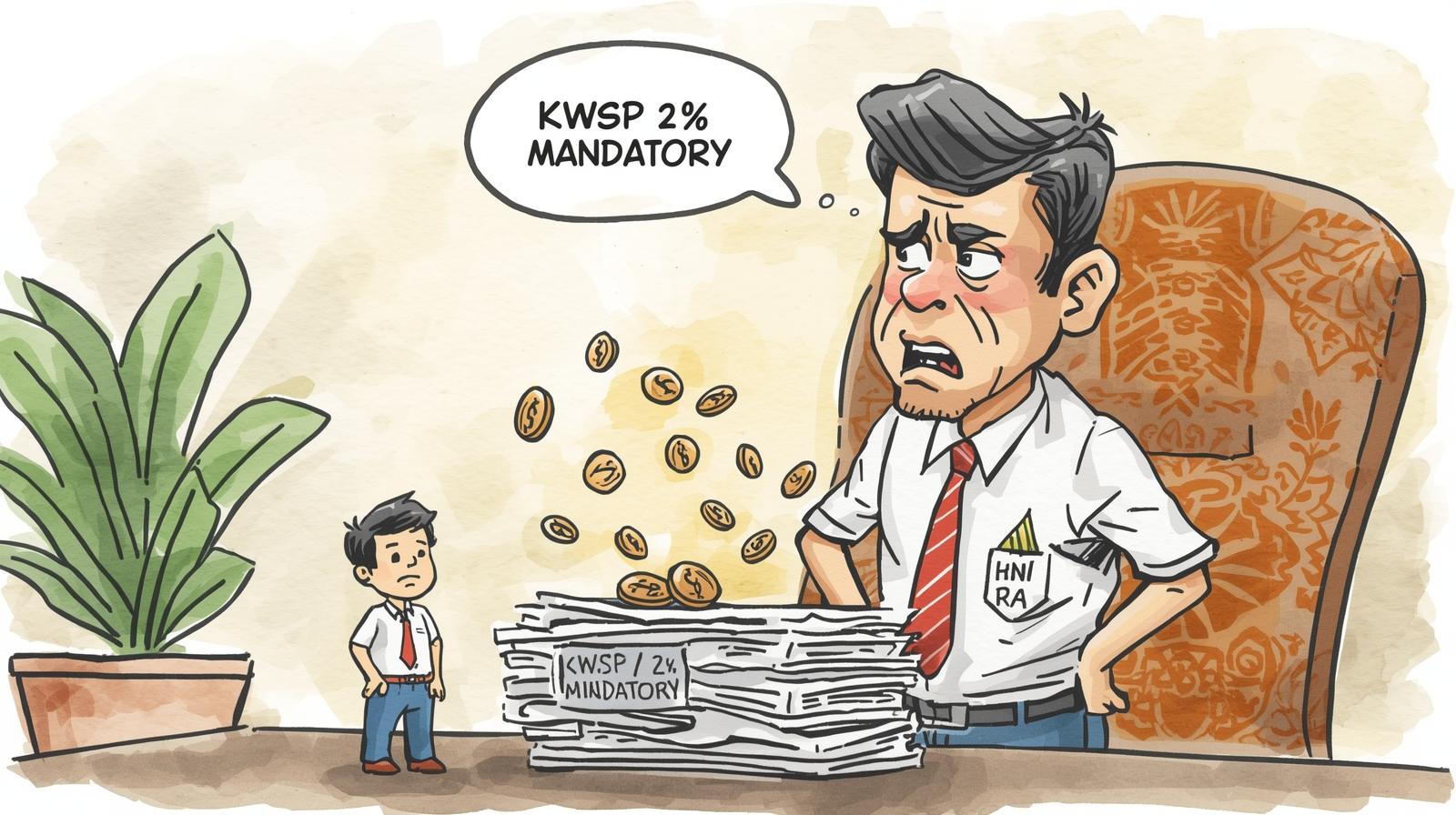

😱 Oh No! Paid KWSP to the Wrong 'Bulan Caruman'? Don't Panic! A Guide for Employers
It’s that sinking feeling. You’ve just completed your monthly payroll, submitted your EPF (KWSP) contributions via i-Akaun, made the payment, and as you file away the receipt, you spot it. You’ve paid the contributions for your staff’s January salary under the contribution month (Bulan Caruman) of March instead of February. 🤦♀️🤦♂️
Your first instinct might be to grab your car keys, brave the traffic, and prepare for a long wait at your nearest KWSP branch.
Stop! 🛑 Put the kettle on ☕ and take a deep breath.
In today’s digital age, fixing this common mistake is often much simpler than you think. You likely do not need to walk in to a KWSP office. This guide will walk you through the modern, efficient way to resolve a wrong 'Bulan Caruman' payment, all from the comfort of your office chair.
Part 1: The Root of the Error – Understanding "Bulan Caruman"
Before we dive into the solution, let’s clarify the rule that catches so many employers out. This is the single most important concept to prevent future errors.
The "Bulan Caruman" (Contribution Month) for KWSP is always one month after the salary month.
It’s a simple rule, but it can be confusing. Let’s break it down:
- For Salary Paid in: January 2024
- The 'Bulan Caruman' is: Februari 2024
- The Payment Deadline is: 15th February 2024
- For Salary Paid in: February 2024
- The 'Bulan Caruman' is: Mac 2024
- The Payment Deadline is: 15th March 2024
...and so on.
Why does this mistake happen?
- New Staff: A new payroll or HR admin might not be familiar with this specific rule.
- Habit: We think of "January's salary" and our brain defaults to "January."
- Rushing: When trying to meet the 15th deadline, it's easy to click the wrong month in the i-Akaun portal dropdown.
- The i-Akaun "Timeout" Trap ⏳: This is a very common technical trap! You submit your Form A (e-Caruman) and go to the FPX payment gateway. You might get a phone call or step away, and the session times out due to prolonged inactivity. When you return, the original transaction link is broken. So, you log in again and make a new, separate payment. During this rushed, new payment, you manually select the wrong 'Bulan Caruman' from the dropdown, instead of the month tied to your original Form A.
When you pay to the wrong month (e.g., you pay January's salary under "Januari 2024"), the money is in KWSP's bank account, but it's "stuck." It cannot be credited to your employees' accounts because the system is expecting the "Februari 2024" contribution, not a duplicate "Januari 2024" one. This can affect your employees' dividends and your company's compliance record.
Part 2: Your Step-by-Step Digital Recovery Plan 💻
Forget the jam, the parking woes, and the queue numbers. Here is the modern way to handle this.
Step 1: Internal Triage – Gather Your Evidence 📂
Before you contact anyone, get your documents in order. This shows professionalism and helps the officer resolve your case faster. You will need:
-
The incorrect Form A (or E-Caruman submission record) for the month you wrongly paid.
-
The payment receipt (FPX transaction, bank statement) proving the money was sent.
-
The correct Form A details (which you may need to re-prepare, but don't submit or pay yet).
Step 2: Digital Detective Work – Find Your Officer 🕵️♀️
This is the most crucial part. You need to find the specific KWSP branch and officer assigned to your company's file.
-
A) Check Your Registered Email: First, log in to your i-Akaun (Employer) portal. Navigate to your profile settings. Is your company's email address correct and up-to-date? This is vital. KWSP sends important updates and notices here. If it’s an old, unused email, update it immediately.
-
B) Identify Your "Home Branch": Every company is registered to a specific KWSP branch (your "home branch"). This is not necessarily the one closest to you, but the one that manages your file. You can usually find this information within your i-Akaun portal or on any official letters you've received from KWSP.
-
C) Find Your Officer's Contact: This is the golden ticket. How?
-
Call the KWSP General Line (03-8922 6000): This is the most direct way. Call them, provide your Employer Number (No. Majikan), and ask for the contact details (phone number and name) of the Enforcement Officer (Pegawai Penguatkuasa) or Employer Relations Officer in charge of your file at your home branch.
-
Check Old Emails: Search your inbox for any past communication from a
@epf.gov.myemail address. You may already have your officer's details.
-
Step 3: Make Contact – The WhatsApp Way 📱
Here’s the part that surprises many employers: Yes, many KWSP officers are accessible via WhatsApp.
They are often on the move, visiting employers, and have found that WhatsApp is the most efficient way to handle queries and receive documents. They are generally very helpful and responsive.
How to initiate contact: Send a polite, professional first message. Do not just say "Hi."
Example Message: "Good morning [Mr./Ms. Officer's Name]. I am [Your Name], from [Company Name] (SSM No: XXXXXX-X, KWSP Employer No: E-XXXXXXX).
We have made an error in our recent contribution payment. We wrongly paid for salary month January 2024 (RM 10,000) under Bulan Caruman: Mac 2024, instead of the correct Bulan Caruman: Februari 2024.
Could you please advise on the correction procedure? We have the payment receipts and forms ready. Thank you."
Step 4: Follow Guidance – The Form or The Letter ✍️
The officer will almost certainly not ask you to come to the office. They will reply and guide you on the next steps, which is typically one of two things:
- They Will Send You a Form: They might WhatsApp or email you a specific departmental form for contribution adjustment (e.g., Borang PKS(K) 1 or a similar internal document) for you to fill in.
- They Will Ask for an Official Letter: More commonly, they will guide you to prepare an official letter (Surat Rasmi) on your company's letterhead explaining the error.
They will then ask you to email or WhatsApp the completed form/letter along with the supporting documents (your payment receipt and the incorrect Form A) directly to them.
Part 3: Template: How to Write the "Surat Rasmi" (Official Letter)
If your officer asks for a letter, you don't need to guess. Here is a clear template you can adapt. Write it on your official company letterhead.
[Your Company's Letterhead]

TARIKH: [Date, e.g., 4 November 2025]

Kumpulan Wang Simpanan Pekerja
[Your KWSP Home Branch Address]
[e.g., Cawangan Petaling Jaya]
[Address Line 1]
[Postcode, City, State]

(U/P: [Your Officer's Name, if you have it])

Tuan/Puan,

**PER: PERMOHONAN PEMBETULAN BULAN CARUMAN – [YOUR COMPANY NAME] (NO. MAJIKAN: E-XXXXXXX)**

Merujuk kepada perkara di atas, kami, [Your Company Name] (No. SSM: XXXXXX-X), ingin memaklumkan bahawa kami telah tersilap membuat bayaran caruman KWSP.

2. Pihak kami telah tersilap membayar caruman untuk **gaji bulan Januari 2024** di bawah **Bulan Caruman Mac 2024**. Bayaran ini sepatutnya dikreditkan di bawah **Bulan Caruman Februari 2024**.

3. Berikut adalah butiran bayaran dan kesilapan yang berlaku:

| Butiran | Maklumat Yang Dihantar (SALAH) | Maklumat Yang Sebenar (BETUL) |
| :--- | :--- | :--- |
| **Bulan Gaji** | Januari 2024 | Januari 2024 |
| **Bulan Caruman** | **Mac 2024** | **Februari 2024** |
| **Amaun Caruman (RM)** | RM [e.g., 10,500.00] | RM [e.g., 10,500.00] |
| **Tarikh Bayaran** | [e.g., 14 Februari 2024] | [e.g., 14 Februari 2024] |
| **No. Rujukan Resit** | [FPX Transaction No.] | [FPX Transaction No.] |

4. Bersama-sama surat ini, kami sertakan salinan dokumen berikut untuk semakan pihak tuan/puan:
    a) Borang A E-Caruman bagi Bulan Caruman Mac 2024 (yang salah)
    b) Resit Bayaran / Penyata Bank bagi transaksi tersebut
    c) Borang A E-Caruman bagi Bulan Caruman Februari 2024 (yang betul)

5. Kami memohon jasa baik pihak tuan/puan untuk membantu kami membuat pelarasan ini dan memindahkan amaun tersebut ke Bulan Caruman Februari 2024 yang betul.

Kami memohon maaf atas sebarang kesulitan yang timbul akibat kesilapan ini. Kerjasama dan bantuan pihak tuan/puan amat kami hargai.

Sekian, terima kasih.

Yang benar,

(Tandatangan)
...................................................
**[YOUR NAME]**
**[Your Position, e.g., Pengarah / Pengurus HR]**
**[Your Company Name]**
**[Your Contact Number]**
Part 4: Prevention is Better Than Cure 🛡️
Once your officer confirms the adjustment has been made (which you can verify in your i-Akaun portal), it's time to build a system to prevent this from happening again.
- Save Your Officer's Contact: Save your KWSP officer's name and WhatsApp number in your phone immediately. Label it "KWSP Officer [Name]."
- Create a Payroll Checklist: Make a simple monthly checklist. The very first item should be: "Verify correct 'Bulan Caruman' (Salary Month + 1)."
- Use a "Buddy System": Before clicking "Submit" on i-Akaun, have a second person (even a co-director) quickly double-check the month and the amount.
- Update Your Software: If you use payroll software, ensure its default settings for KWSP/EPF are correctly mapped (Salary Month -> Contribution Month).
Mistakes happen, but they don't need to cause a crisis. By understanding the process and leveraging the digital tools and helpful officers at KWSP, you can resolve issues like a wrong 'Bulan Caruman' payment quickly and efficiently.